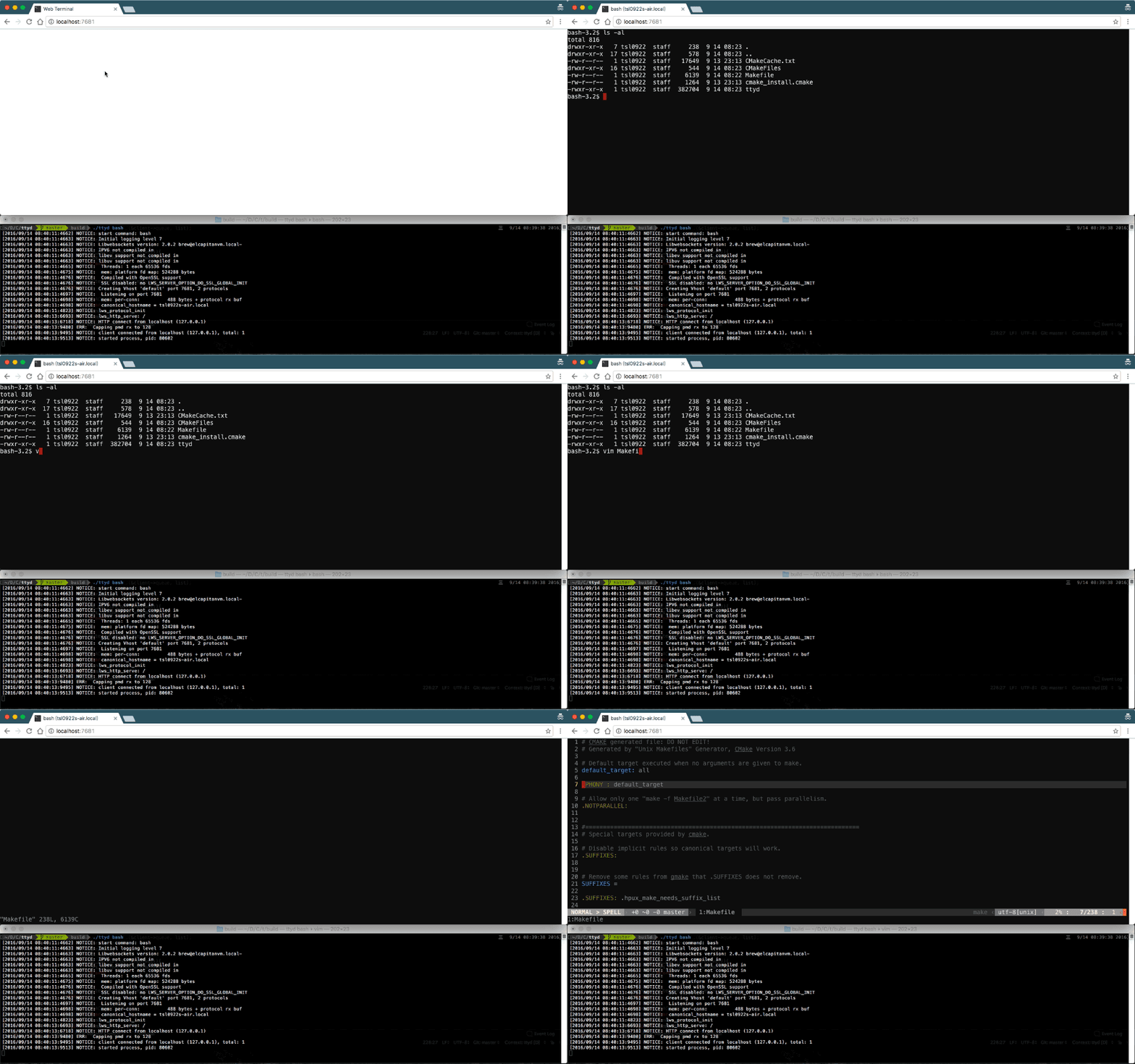
Debug GitHub Actions in Your Browser: Stop Log Diving
Ever wished you could SSH into your GitHub Actions runner when something fails?
Now you can—in your browser. No SSH needed.
Setup (30 seconds)
1. Get ngrok token: ngrok.com/signup (free)
2. Add secrets:
gh secret set NGROK_AUTHTOKEN
gh secret set DEBUG_SESSION_PASSWORD
3. Add to workflow:
- if: failure()
  uses: halradaideh/[email protected]
  with:
    ngrok_authtoken: ${{ secrets.NGROK_AUTHTOKEN }}
    password: ${{ secrets.DEBUG_SESSION_PASSWORD }}
Done. Next failure → logs show URL → click → debug → close with:
touch /tmp/terminate_debuggingExample: Debug Failing Tests
jobs:
  test:
    runs-on: ubuntu-latest
    steps:
      - uses: actions/checkout@v4
      - run: npm test

      - if: failure()
        uses: halradaideh/[email protected]
        with:
          ngrok_authtoken: ${{ secrets.NGROK_AUTHTOKEN }}
In browser terminal:
npm test -- --verbose
env | grep NODE
node --inspect test/failing.js
Why It’s Better
| Before | After |
|---|---|
| Push → Wait → Read logs → Repeat (10x) | Open URL → Debug → Fix (1x) |
| Hours | Minutes |
---

### Pro Tips

**Manual trigger:**
```yaml
on: [push, workflow_dispatch]
- if: github.event_name == 'workflow_dispatch'
  uses: halradaideh/[email protected]
Debug specific OS:
- if: matrix.os == 'macos-latest' && failure()
  uses: halradaideh/[email protected]
tmux shortcuts:
Ctrl+b "  → split horizontal
Ctrl+b %  → split vertical
Ctrl+b c  → new window
How It Works
Three static binaries run on your runner:
- ttyd - Web terminal
- tmux - Persistent session
- ngrok - Secure tunnel
FAQ
Q: Private repos? Yes.
Q: Cost? ngrok free + normal runner minutes.
Q: Multi-user? Yes, share the URL.
Q: Self-hosted? Yes, any Linux runner.
Resources
- 🎬 GitHub Marketplace
- 📦 Source Code
- 🛠️ ttyd | ngrok
👀 0
Comments